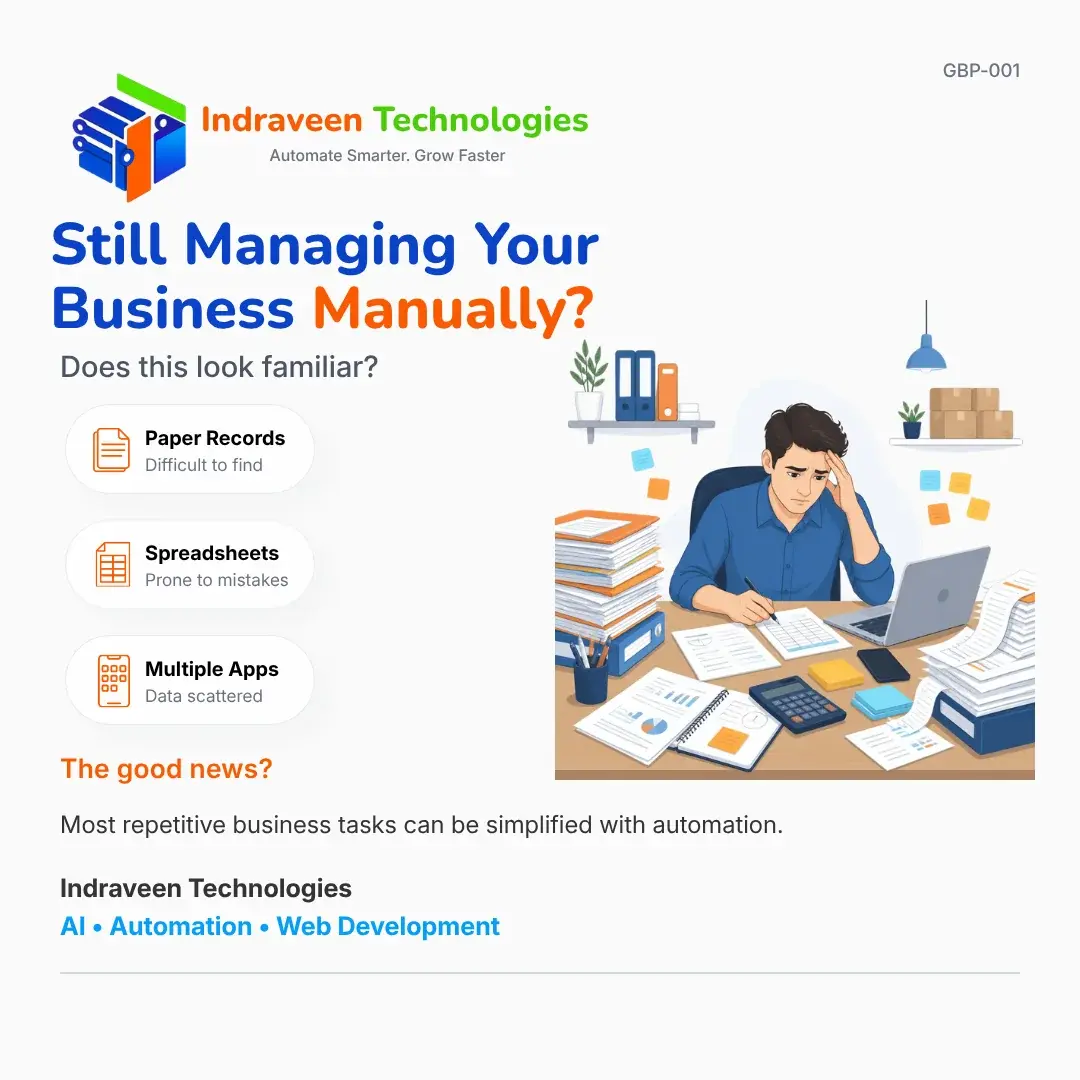
Running a business today is more demanding than ever. Customers expect faster responses, employees need quick access to information, and business owners must make decisions based on accurate, up-to-date data. Yet many growing businesses continue to rely on paper records, spreadsheets and disconnected software applications to manage their daily operations.
There is nothing wrong with starting this way. Almost every successful business begins with simple tools because they are inexpensive, familiar and easy to use. The challenge begins when the business grows. What once worked for five customers and two employees often struggles to support hundreds of customers, multiple staff members and thousands of business transactions.
Manual processes rarely become a problem overnight. Instead, they gradually consume more time, increase the chances of human error and make it difficult to understand what is happening across the business.
Whether you operate a manufacturing unit, trading company, transport business, clinic or professional service firm, recognising these warning signs early can help you improve productivity before manual work begins slowing down your growth.
Key Takeaway
Manual processes are perfectly acceptable during the early stages of a business.
The challenge begins when business growth outpaces the systems used to manage it.
In This Article
By the end of this article, you'll understand:
- What "managing a business manually" actually means.
- The warning signs that your business has outgrown manual processes.
- Why paper records and spreadsheets eventually become bottlenecks.
- How workflow automation simplifies everyday business operations.
- When custom software becomes a practical investment.
- Common mistakes businesses make when starting their digital transformation journey.
What Does "Managing a Business Manually" Really Mean?
Many people associate manual work with paper files and handwritten records.
In reality, manual business management is much broader than that. It refers to any business process where employees repeatedly enter information, copy data between different systems, search for files or depend on memory instead of structured workflows.
A few isolated manual tasks rarely create major problems. However, when these tasks are repeated hundreds of times every month, they consume valuable business hours that could otherwise be spent serving customers or growing the business.
| Manual Process | More Efficient Alternative |
|---|---|
| Paper customer records | Centralised digital database |
| Multiple Excel spreadsheets | Integrated business application |
| Manual invoice preparation | Automated invoice generation |
| WhatsApp follow-ups | Workflow-based notifications |
| Manual reporting | Real-time dashboards |
Business Insight
Businesses rarely lose productivity because employees work slowly.
They lose productivity because good employees are forced to spend too much time searching, verifying and re-entering information.
Five Signs Your Business Has Outgrown Manual Processes
Growth introduces complexity. More customers, more enquiries, more invoices and more employees all increase the amount of information that needs to be managed.
If the systems supporting your business remain unchanged, that complexity eventually becomes difficult to control.
1. Employees Spend More Time Searching Than Working
One of the earliest warning signs is when employees regularly ask questions like:
- Where is the latest quotation?
- Which spreadsheet contains the updated customer information?
- Has this invoice already been paid?
- Who approved this purchase order?
Each question may only take a few minutes to answer.
Across multiple employees and hundreds of transactions every month, those few minutes become hours of lost productivity.
Key Takeaway
Information should support work.
Employees should never have to stop working simply to locate information.
2. The Same Information Is Entered Multiple Times
A customer's information is collected during an enquiry.
The same information is entered again while preparing a quotation.
Later, it is typed into an invoice.
Finally, it appears again in an accounting application.
Although each step seems harmless, repeated data entry increases workload while creating multiple opportunities for mistakes.
Businesses should aim to capture information once and allow systems to reuse it wherever required.
3. Important Knowledge Exists Only Inside One Employee's Head
Many businesses unknowingly depend on experienced employees to remember processes that have never been documented.
When that employee is unavailable, routine activities suddenly become difficult.
Well-designed business systems replace memory with repeatable workflows, making everyday operations more consistent regardless of who performs the task.
4. Reports Take Hours Instead of Seconds
Business owners should be able to answer questions such as:
- Which customers generated the highest revenue this month?
- Which invoices remain unpaid?
- Which products are selling the fastest?
- Which services generate the highest profit?
If answering these questions requires manually combining information from several spreadsheets, the reporting process has already become a bottleneck.
5. Small Mistakes Are Becoming More Frequent
Growing businesses often notice:
- Duplicate invoices
- Incorrect stock quantities
- Missed customer follow-ups
- Pricing inconsistencies
- Lost paperwork
- Delayed approvals
These mistakes are rarely caused by a lack of effort.
More often, they are symptoms of business processes that have become too dependent on manual work.
Quick Self Assessment
Review your current business operations.
- Customer information exists in multiple places.
- Employees repeatedly enter the same information.
- Reports are prepared manually.
- Paper files are still used every day.
- Staff regularly search for documents.
- Different departments maintain separate spreadsheets.
- Important information depends on one employee.
Assessment
If you checked three or more items, it may be worth reviewing how your current business processes operate before the problems become more expensive to solve.
The Hidden Cost of Paper Records and Spreadsheets
Many business owners continue using paper records and spreadsheets because they appear to be inexpensive. While there is very little direct financial cost, the hidden operational costs are often much higher than expected.
The real expense is not the software—it is the time employees spend performing repetitive work that adds little value to the business.
| Hidden Cost | Business Impact |
|---|---|
| Searching for files | Slower customer response |
| Duplicate data entry | Increased chance of errors |
| Manual reporting | Delayed decision making |
| Spreadsheet mistakes | Incorrect business information |
| Paper-based approvals | Slower operations |
Consider a business with just five employees.
If each employee spends only 30 minutes every day searching for information, updating spreadsheets or correcting manual mistakes, the business loses approximately 12.5 hours every week.
Over the course of a year, that represents hundreds of working hours that could have been spent serving customers, improving products or generating new business.These hidden costs rarely appear on a profit and loss statement, but they are paid every day through reduced productivity and delayed decision-making.
Business Insight
Most businesses underestimate the cost of manual work because the time is lost in small increments throughout the day rather than in one obvious activity.
Why Multiple Applications Can Create More Work Instead of Less
Buying new software is often the first response when a business encounters a problem.
One application manages inventory.
Another handles invoicing.
Customer enquiries arrive through WhatsApp.
Accounting happens in separate software.
Documents are stored in cloud drives.
Individually, each application performs its own job well.
The challenge begins when employees become responsible for moving information between them.
Instead of reducing workload, software simply changes the type of manual work employees perform.
| Disconnected Systems | Connected Workflow |
|---|---|
| Customer details entered repeatedly | Information entered once |
| Employees manually update different applications | Data synchronises automatically |
| Reports prepared from multiple sources | Reports generated automatically |
| Teams communicate separately | Everyone works from the same information |
The objective of workflow automation is not to replace every application.
The objective is to allow information to move automatically between business processes wherever possible.
A Practical Business Scenario
Imagine a growing wholesale distributor.
A customer contacts the company requesting a quotation.
An employee records the enquiry in a notebook before preparing the quotation in Microsoft Word.
Once the customer confirms the order, another employee manually creates an invoice using accounting software.
Inventory is then updated separately in Excel while delivery details are shared through WhatsApp.
None of these individual steps are particularly difficult.
However, every stage requires somebody to re-enter information that already exists somewhere else.
As customer orders increase, these repeated activities consume more time than the actual work required to serve customers.
Workflow automation removes much of this repetition by allowing each stage of the business process to update automatically.
The employee still reviews the information.
The difference is that the software performs the repetitive administrative work, allowing employees to focus on customer service and business operations instead of copying data between systems.
Key Takeaway
Automation is not about replacing people.
It is about eliminating repetitive administrative work so people can focus on customers, quality and business growth.
Does Every Business Need Custom Software?
The answer is no.
Many businesses can significantly improve productivity simply by reviewing their existing processes and integrating the software they already use.
Custom software becomes valuable when the way a business operates is no longer supported by generic applications.
Examples include:
- Industry-specific workflows.
- Multiple approval stages.
- Custom reporting requirements.
- Department-specific dashboards.
- Complex pricing structures.
- Business processes that require information from multiple systems.
Technology should always adapt to the business—not force the business to adapt to the technology.
Common Mistakes Businesses Make
Many automation projects struggle because organisations focus on technology before understanding the underlying business process.
Some common mistakes include:
| Mistake | Better Approach |
|---|---|
| Buying software before understanding the workflow | Improve the business process first |
| Automating inefficient processes | Simplify the process before automating |
| Choosing software based only on price | Choose software based on long-term business value |
| Keeping information in multiple systems | Create a single source of truth |
| Expecting automation to solve every problem | Automate repetitive work while keeping people involved where judgement is required |
Successful automation projects usually begin with understanding the workflow—not choosing the software.
Remember
-
Good software improves a good business process.
-
It rarely fixes a poorly designed one.
Frequently Asked Questions
Final Thoughts
Every successful business eventually reaches a stage where familiar tools begin limiting future growth. Paper records become difficult to manage, spreadsheets become increasingly complex, and employees spend more time searching for information than acting on it. These challenges are not signs of failure—they are often indicators that a business has grown beyond the systems that once worked well.
Recognising that moment is often the most important step towards improving productivity. Whether the solution involves workflow automation, better software integration, AI-assisted processes, or custom software development, the objective remains the same—reduce unnecessary manual work so people can focus on creating value.
Many growing businesses across Selaiyur, Tambaram, Chennai and throughout Tamil Nadu are now reviewing how technology can simplify their day-to-day operations. The organisations that benefit the most are not those that adopt technology first, but those that clearly understand the business problems they are trying to solve.